A player can react to a signal without having much to interpret. That is a useful training starting point. It is not the only demand I want to develop.
I created this approach for individual and team basketball practice: keep the head up, stay aware of the environment, remember the rule, and respond.
The central question is whether the player can retrieve the right action at the right time, rather than simply collect more techniques.
Awareness, understanding, execution
My working sequence is simple: awareness, understanding, execution.
The player notices the cue, identifies its meaning, and performs the action. The coach defines the relationship between the symbol and the movement.
REACT CRT supplies changing visual information. The training value depends on how the coach organizes that information, the physical task, and the progression.
Begin with a movement the player owns
Choose a skill the player can already perform with reasonable control. Then introduce a small set of cues.
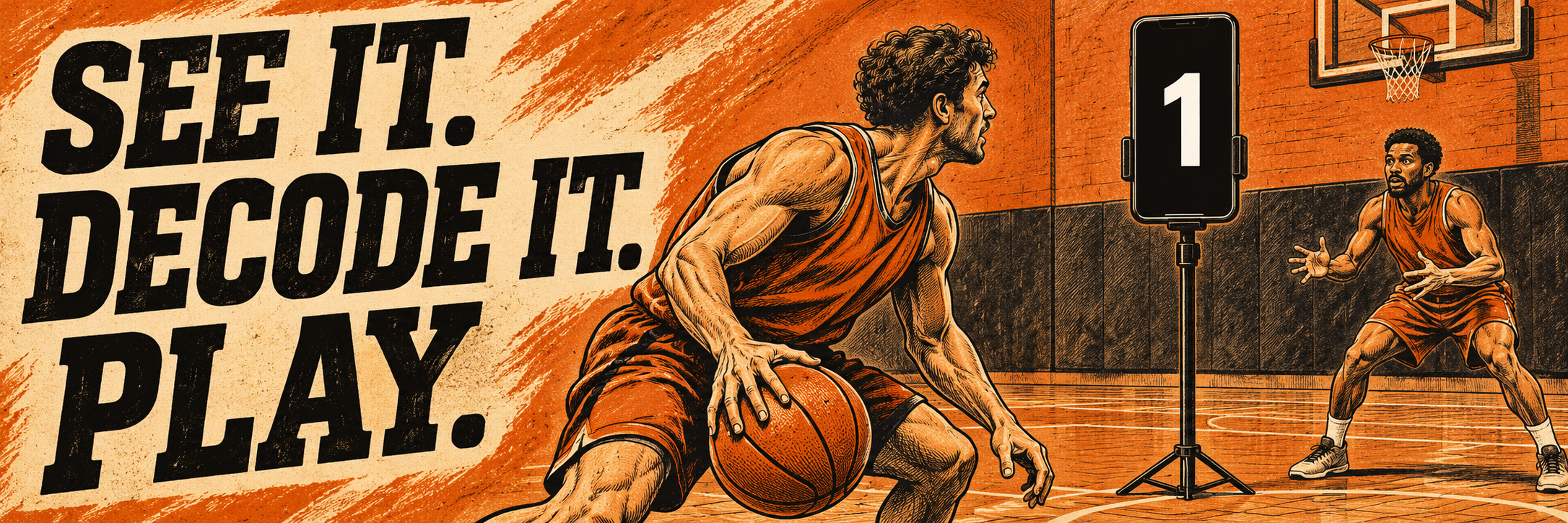
For a beginning ballhandling example, assign 1 to moving the ball around the waist, 2 to moving it around the head, and 3 to moving it around the legs.
For a more advanced player, the original example assigns 1 to a front change of direction, 2 to a between the legs change, 3 to a behind the back change, and 4 to a spin.
The player continues dribbling between cues and changes the action when the next digit appears. Select only movements that fit that player’s current level.
Teach the mapping before testing the response
Explain what every symbol means. Let the player demonstrate the rule before adding pace.
Show one cue at a time. Keep the phone upright with a clear, visible screen. Position it so the player can pick up the information while maintaining control of the basketball task.
This is visual practice. The player must read the display and use the agreed meaning to choose the action.
Change one demand at a time
You can adjust the cue interval, the number of possible actions, the movement complexity, and the amount of pressure.
Do not increase all of them together. If the player cannot remember the mapping, faster cues will only make the same problem arrive more often.
As a suggested starting format, use a cue change every 2 to 3 seconds, 45 seconds of work, and 15 seconds of rest for 4 sets. Adjust those settings to the player and task. These are coaching options, not a required app configuration.
Move from a drill to a basketball problem
Once the player understands the rule, connect the action to court space and a basketball purpose.
The original article includes moving through the court while using the digits to choose changes of direction, then attacking the basket when reaching the three point line.
You can also organize players at individual devices, each working at an appropriate level while the coach moves between them to correct execution.
Keep the training connected to the game by progressing toward reading a defender or teammate. The screen is a training cue; it does not replace the information in a live possession.
Make the practice meaningful
A more complicated drill is not automatically a better drill.
Ask what the player must notice, remember, decide, and execute. If the action has become automatic, adjust the rule or the situation while keeping the task understandable.
If control disappears, simplify the task and restore the connection.
The target is an effective player who can access the right skill when the game calls for it.
Watch a related practice
Related CRT practice: basketball ballhandling with visual cues. This video is from the REACT CRT channel. Use it alongside the coaching principles above; it is a related practice example rather than a demonstration of every detail in the article.
Written and developed by Coach Yoed Agmon. Adapted from his original Hebrew article, with practical basketball applications.